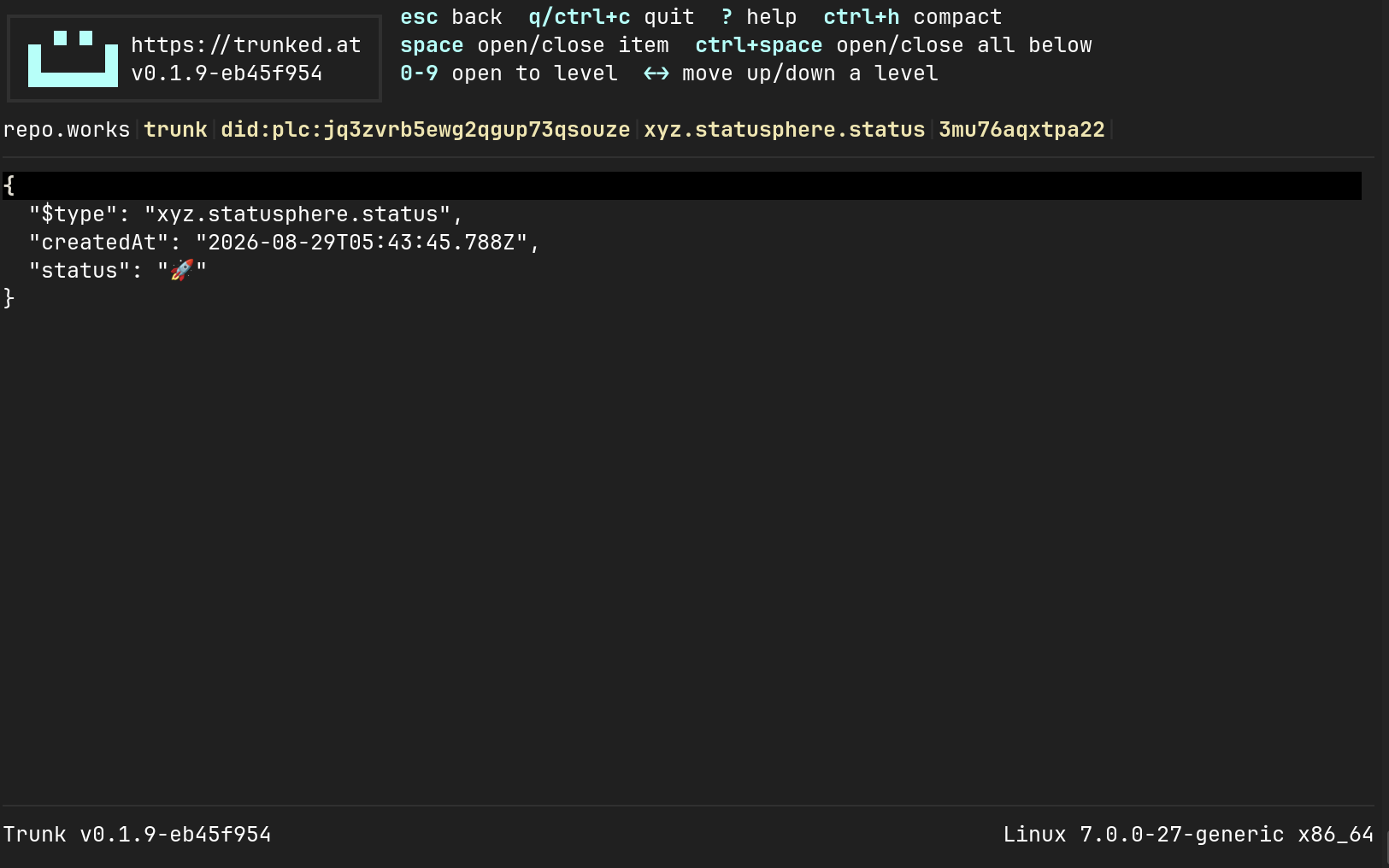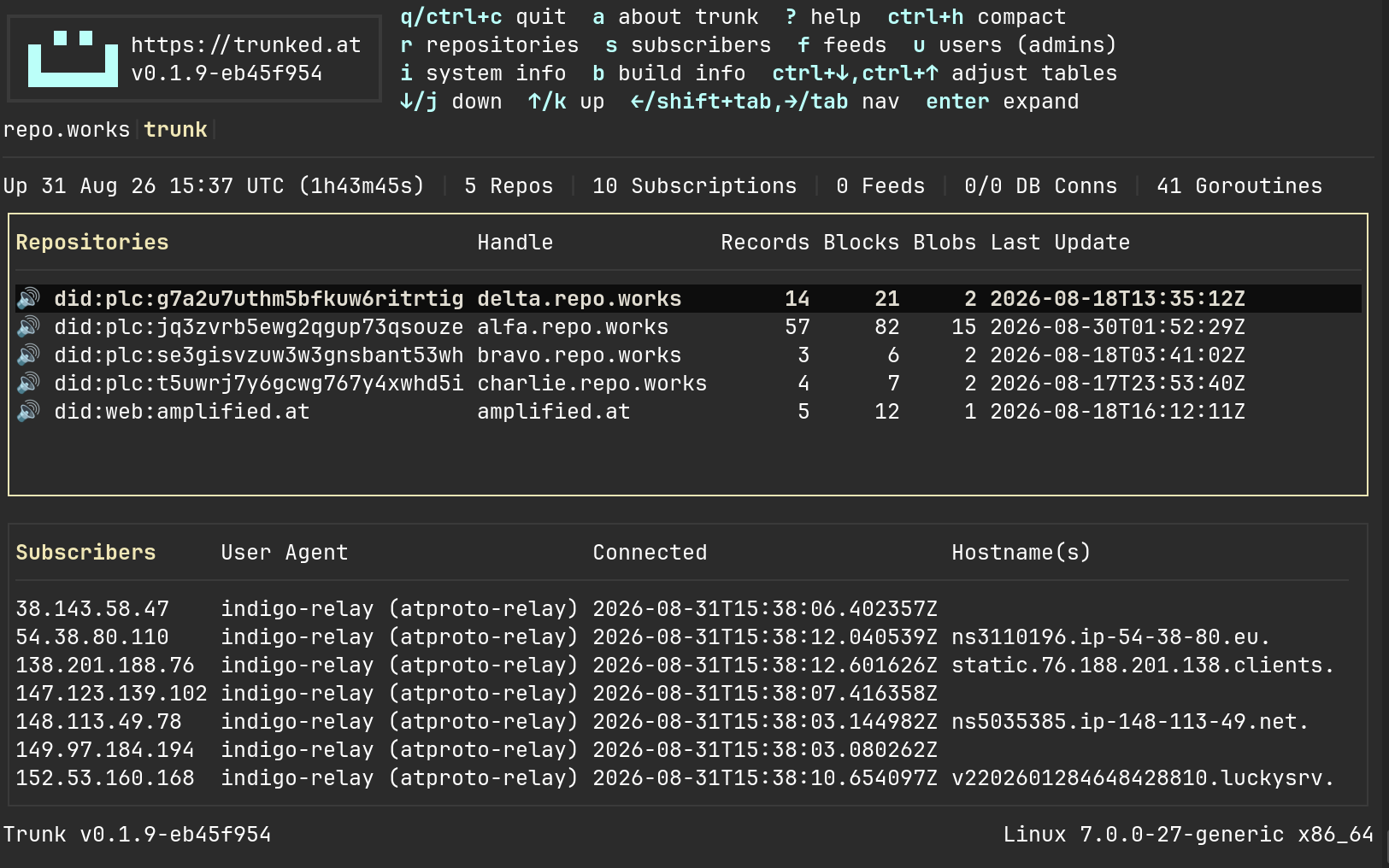
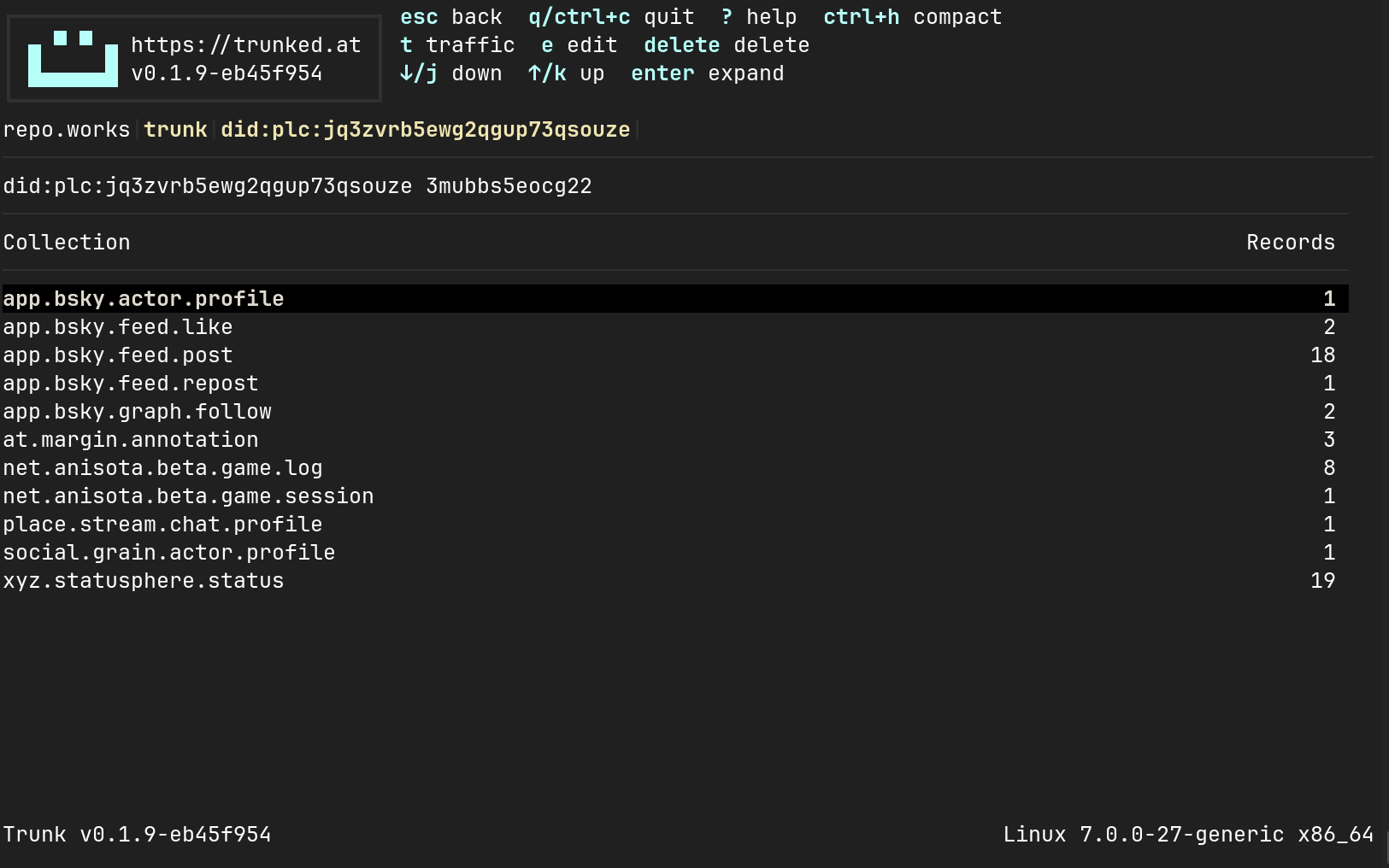
Early this year I spent a month or so building an AT Protocol PDS from scratch. After the Atmosphere conference I put this aside to focus on IO, but recently I switched IO's data storage from SQLite to the Bolt key-value store, and that went so well that I decided to also use Bolt in my PDS. That led to some other rethinking of PDS data storage: I had originally copied the directory structure and SQLite schemas of the reference PDS, but with a basic PDS running I could start making changes, beginning with moving to Bolt. Removing SQLite as a dependency solved several annoying little problems related to building and performance, and not having access to tempting-but-unnecessary SQLite features imposes a discipline that I think increases product quality (YMMV).
A New Name
With the Permissioned Data Proposal, a new way to think about the AT Protocol is emerging. Instead of just being the face that I present to the world (with a "Smile"), it now includes the ability to store and organize my stuff and control who and what else gets to access it. So after some rethinking, my PDS-in-progress is now called "Trunk", which better expresses its role in storing my stuff and in providing a strong base on which to build applications.
Repo Storage Changes
One way that Trunk diverges from the reference PDS is that it avoids putting repo-specific information in centralized tables. Repo signing keys and passwords are now stored in repo-local storage. Since Trunk instances will probably not be managing thousands of repos, this will not meaningfully affect performance, and it makes it easier to securely manage repos, since all information about a repo will be stored in one place. Also, unlike the reference PDS, Trunk allows each repo to have its own rotation key and creates new unique rotation keys for each new identity that it creates.
Blobs are stored in a directory associated with the repo DID: blobs are not shared by repos, which again makes it easier to manage individual repos. The reference PDS keeps a separate directory of "temporary" blobs that it only moves into its main storage when a record is written that refers to them. But since I'm expecting well-behaved PDS users (mainly me), I dropped this and all blobs are written directly to the main per-repo blob storage. I wrote a simple garbage collector to remove unused blobs whenever that seems necessary.
Scanning existing spaces implementations, the general consensus seems to be to store all space information in a common per-repo SQLite database. To me this seems more suitable to large-scale repo management and is less attractive to me as a small-repo operator. So instead, Trunk keeps each space in a separate KV store that is stored alongside the main repo KV store. Blobs are still stored in common, since I expect that some blobs (like photos) would be cross-listed in many spaces. But having a separate KV store per space makes it easy to indepentently construct and manage very large spaces. I have a lot of junk to put in my Trunk!
Running the PDS
Trunk is built and shared as a container on GitHub Container Registry. It can be run with any container-management system, but I'm currently only ready to document how I run it with my preferred system (Podman).
Here's how I run Trunk as a Podman Quadlet.
The Data
First, I create a run directory in /opt/trunk.
Next I put a Trunk HCL configuration file there that contains:
- My ssh user key
- The host name of my server
- Optionally, the ssh host key for my server
Here's mine, with some details redacted:
user "tim@agent.io" {
  name = "Tim Burks"
  public_key = "ssh-ed25519 ..."
}

host_name = "repo.works"

host_key = <<END
-----BEGIN PRIVATE KEY-----
...
-----END PRIVATE KEY-----
END
This allows me to connect to my Trunk TUI and send CLI commands over SSH. The host key is optional and makes it easier for me to avoid SSH warnings when I connect to my PDS.
I install this configuration by running the Trunk container once with Podman to initialize the configuration database.
podman run --replace --name trunk -v /opt/trunk:/trunk -ti ghcr.io/agentio/trunk:latest -c /trunk/repoworks.hcl -x
The Service
I run the PDS in rootless user mode with my user id, which corresponds to "1000" on my system.
This configuration file is in /etc/containers/systemd/users/1000/trunk.container:
[Unit]
Description=Trunk
After=network-online.target

[Container]
Image=ghcr.io/agentio/trunk:latest
ContainerName=trunk
Pull=newer
PublishPort=9090:8080
PublishPort=5500:3300
Volume=/opt/trunk:/trunk:rw,z

[Service]
Restart=always

[Install]
WantedBy=default.target
With this, I load the service with the following:
systemctl --user daemon-reload
systemctl --user start trunk
To keep the service running after I've logged out, I use this:
sudo loginctl enable-linger $(whoami)
Don't use this yet!
I'm using this post to organize my work-in-progress. I have an instance running at repo.works, where I'm hosting a few test accounts: @alfa.repo.works, @bravo.repo.works, @charlie.repo.works,... (you get the idea). When I trust it more, I'll move my personal repo there.